
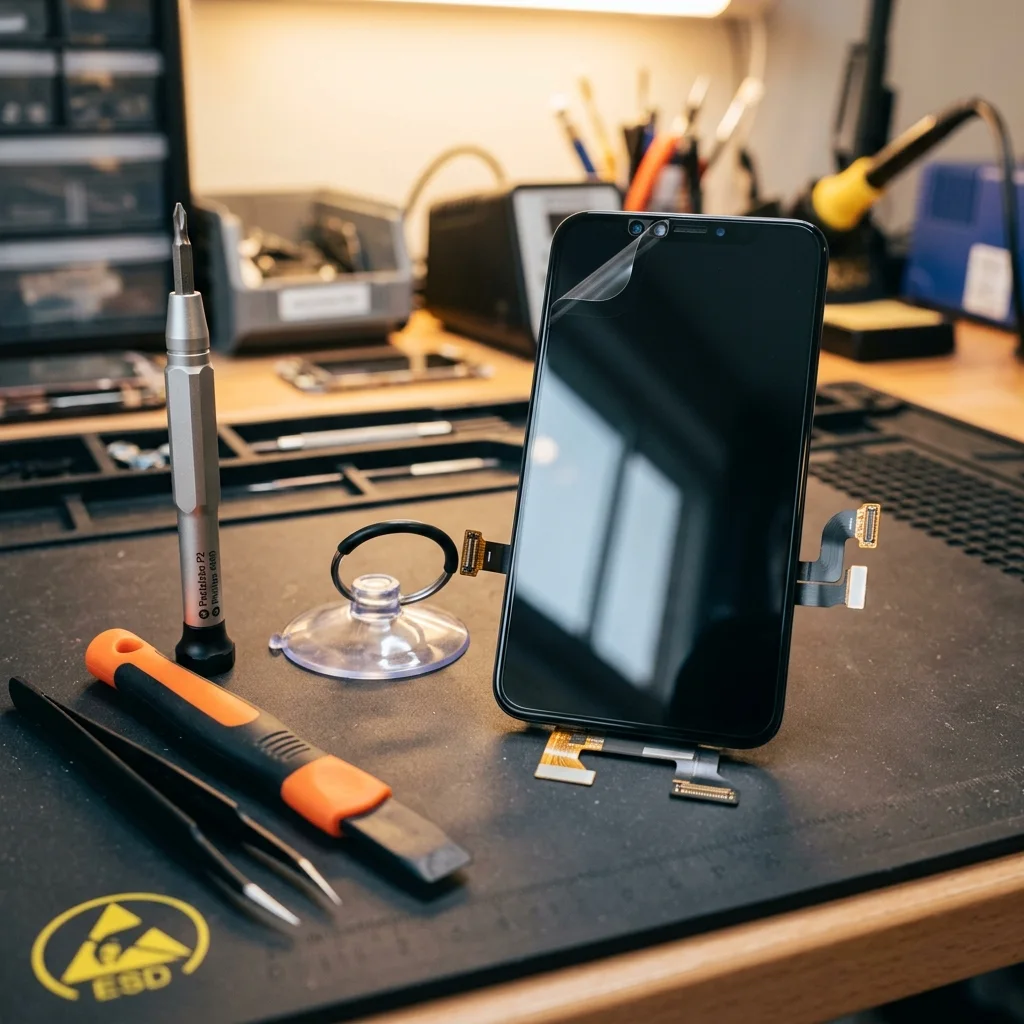
Quick Answer Summary
"If your phone won't turn on, first force restart it by holding Power + Volume Down for 10 seconds. If a battery icon appears, plug into a known working 20W charger for 15 minutes. If unresponsive, the issue is a dead battery cell, faulty charging port, or shorted PMIC."
Diagnostic Decision Tree
Branch A: Device Has Black Screen but Vibrates
- Force restart device.
- If screen remains black, internal OLED panel is damaged -> Requires Screen Replacement.
Branch B: Device Gets Extremely Hot While Charging
- Disconnect charger immediately.
- Inspect charging port for debris or burn marks.
- If port is clean, battery cell has short-circuited -> Requires Battery Replacement.
Branch C: Phone Drops into Bootloop (Stuck on Logo)
- Ensure storage is not 100% full.
- Perform soft reset.
- If logo persists, NAND flash memory or OS system corruption -> Requires Data Recovery & Flashing.
Need Mobile Phone Repair?
Need professional help with screen repair in Mississauga?
The CellRevive offers same-day doorstep home repair across Mississauga and 2-5 day insured mail-in repair from anywhere in Canada.